
Why I Built SuperMuse
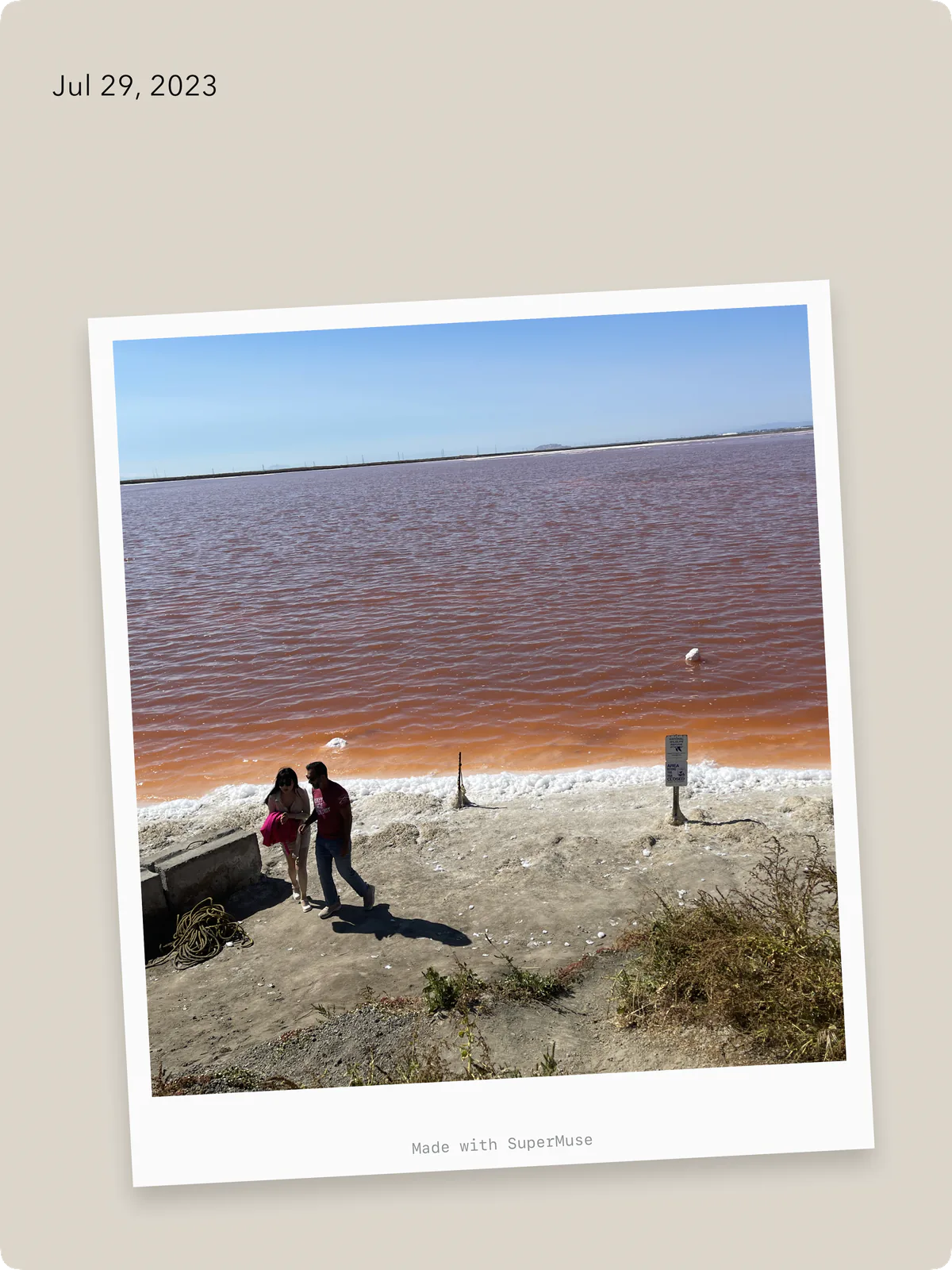
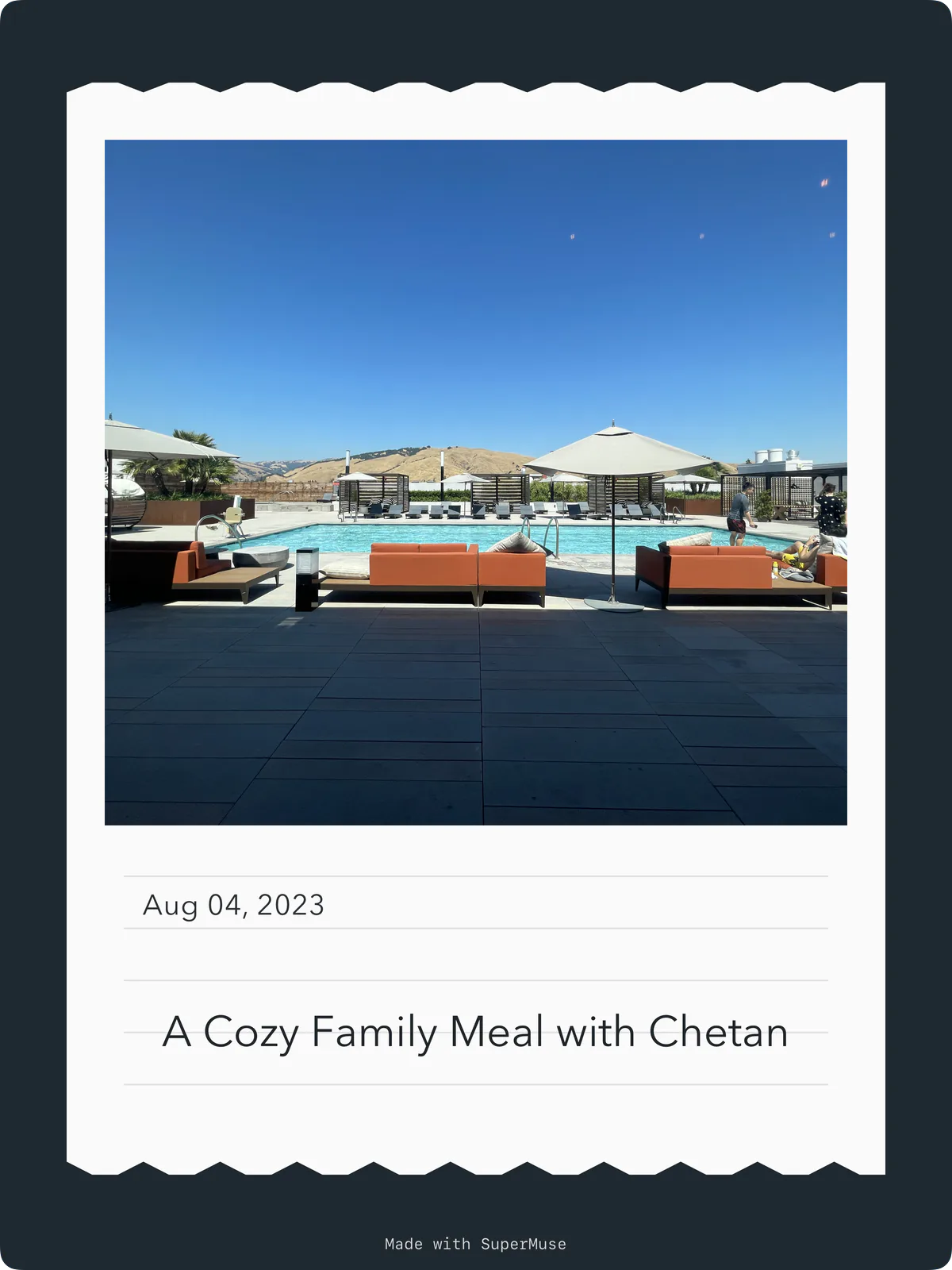
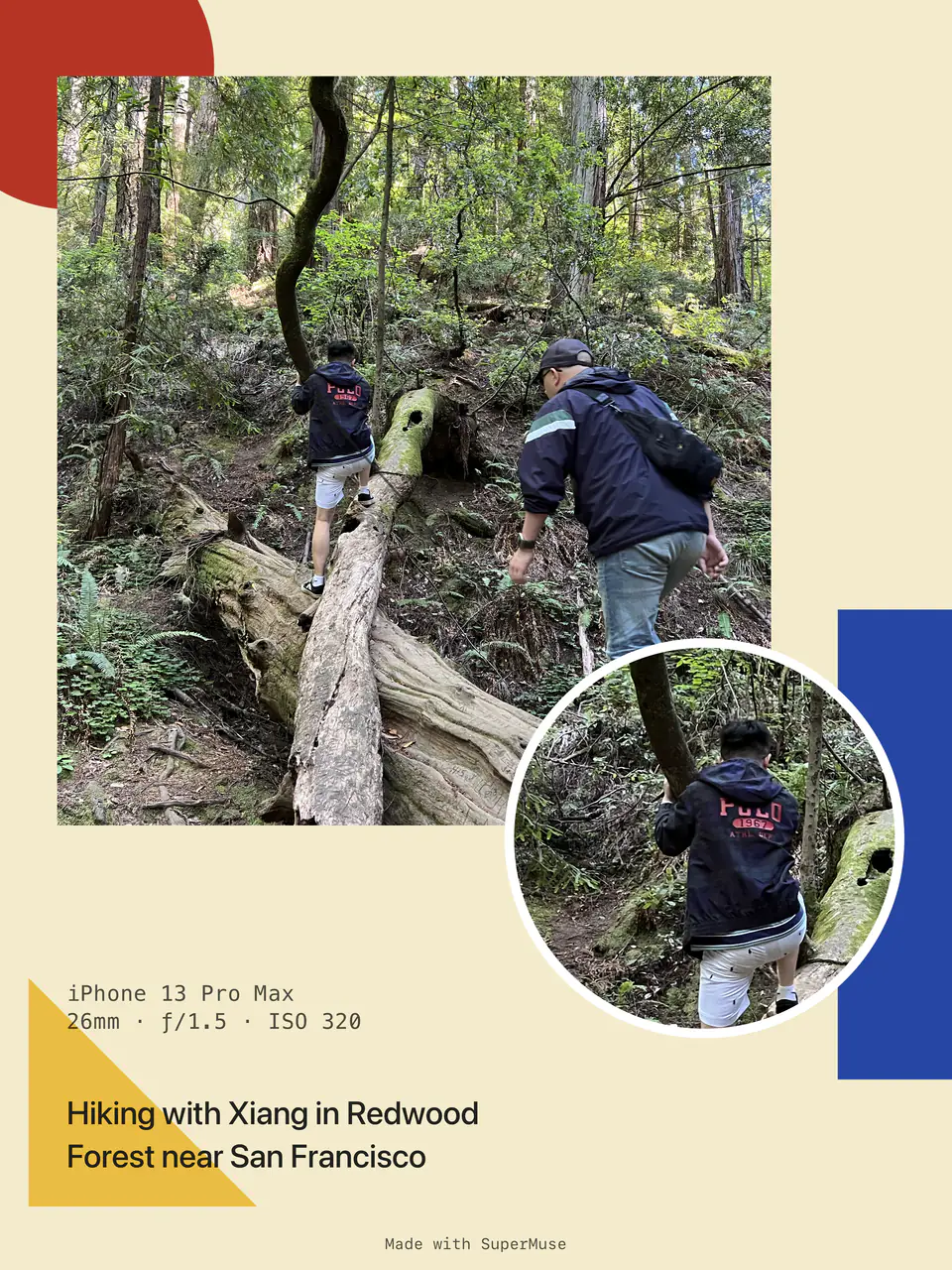
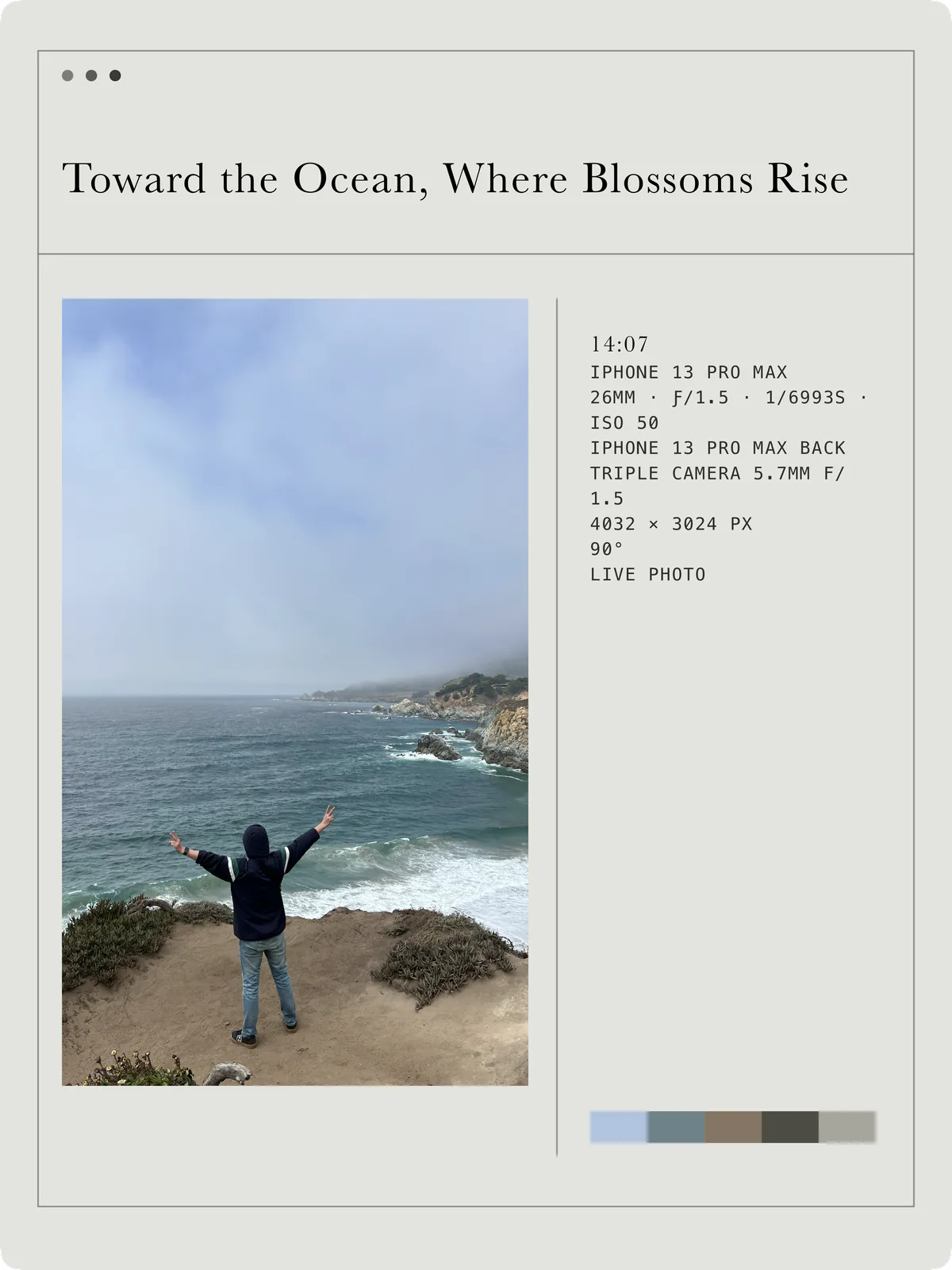
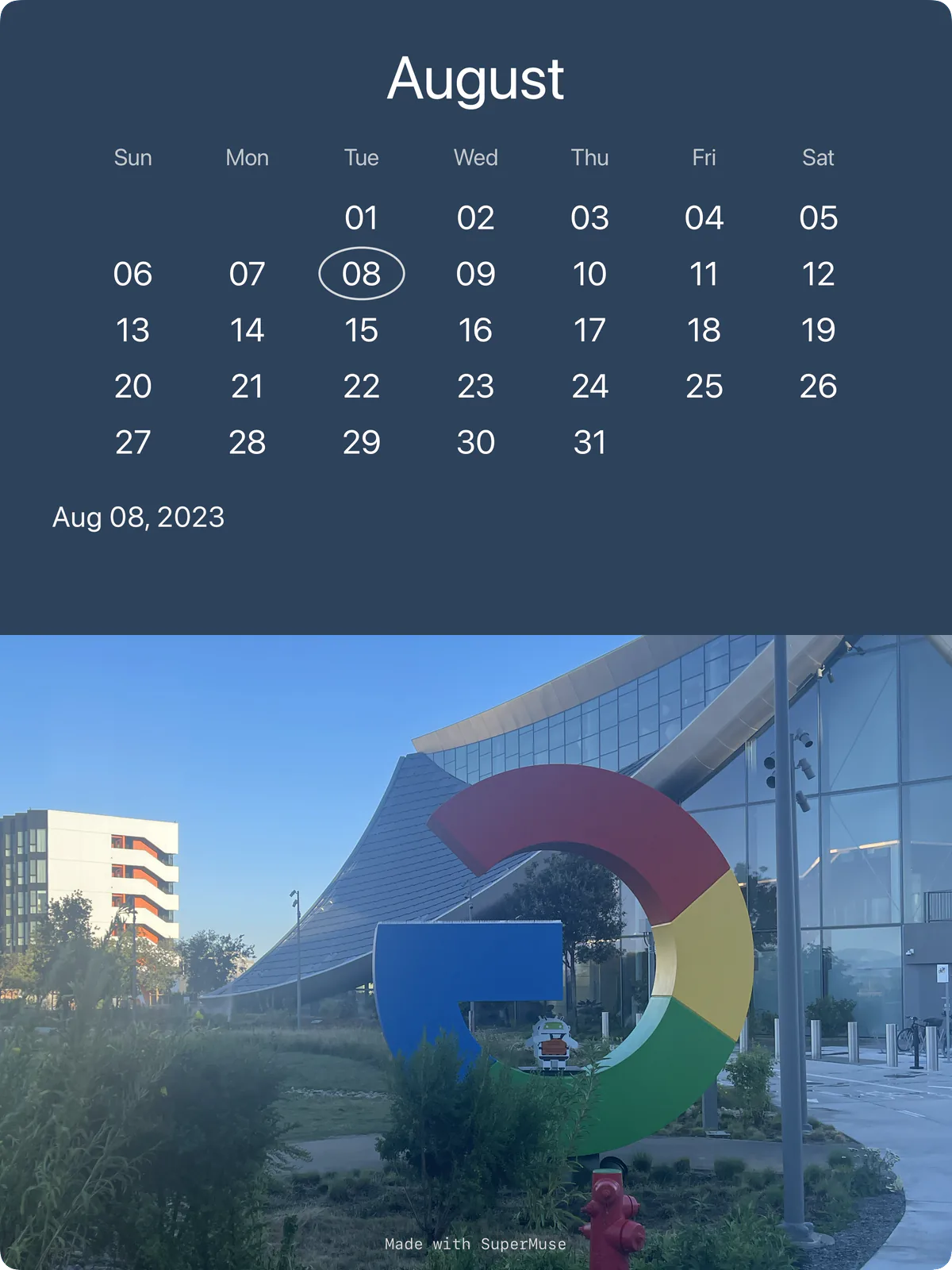
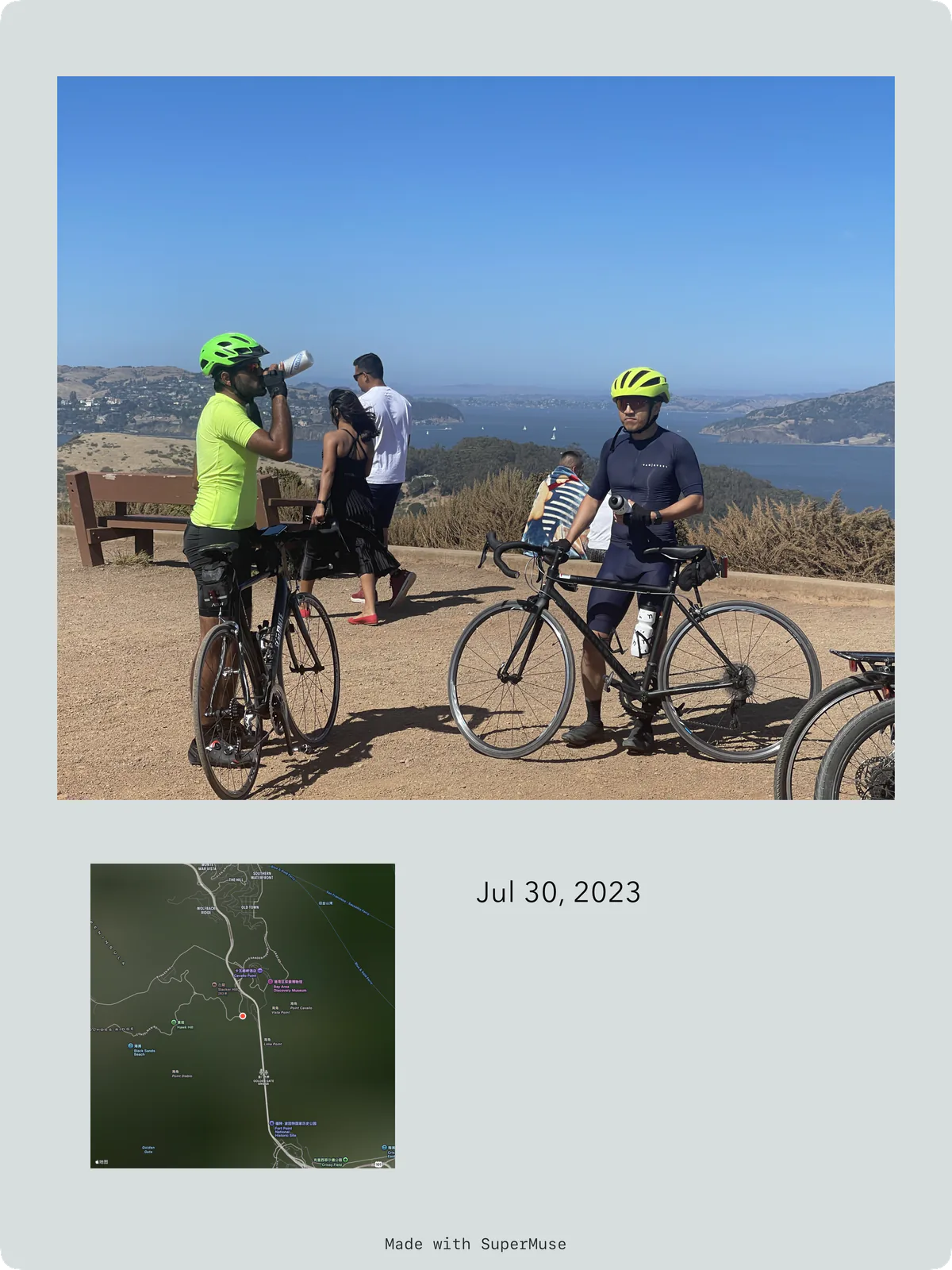
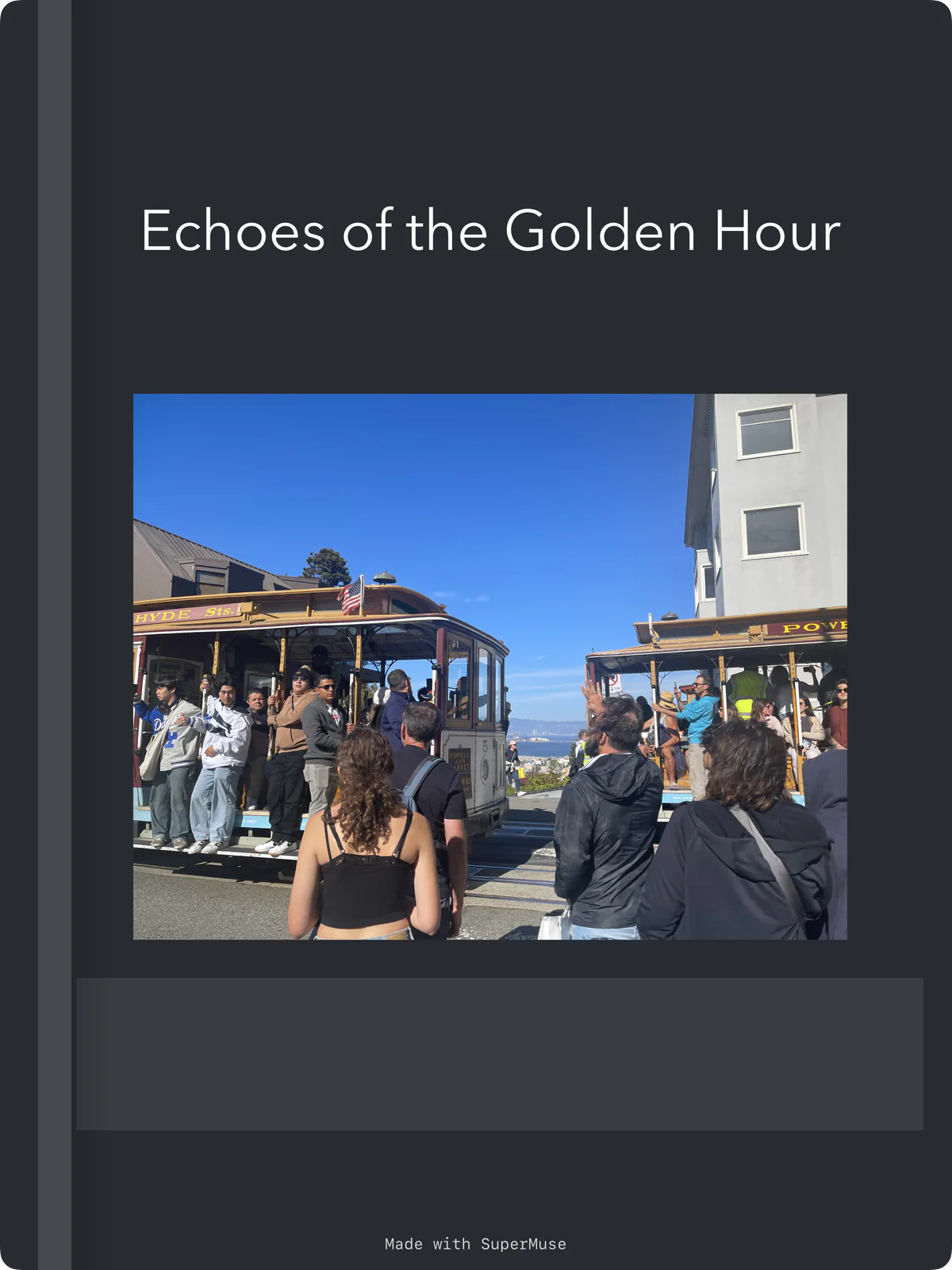

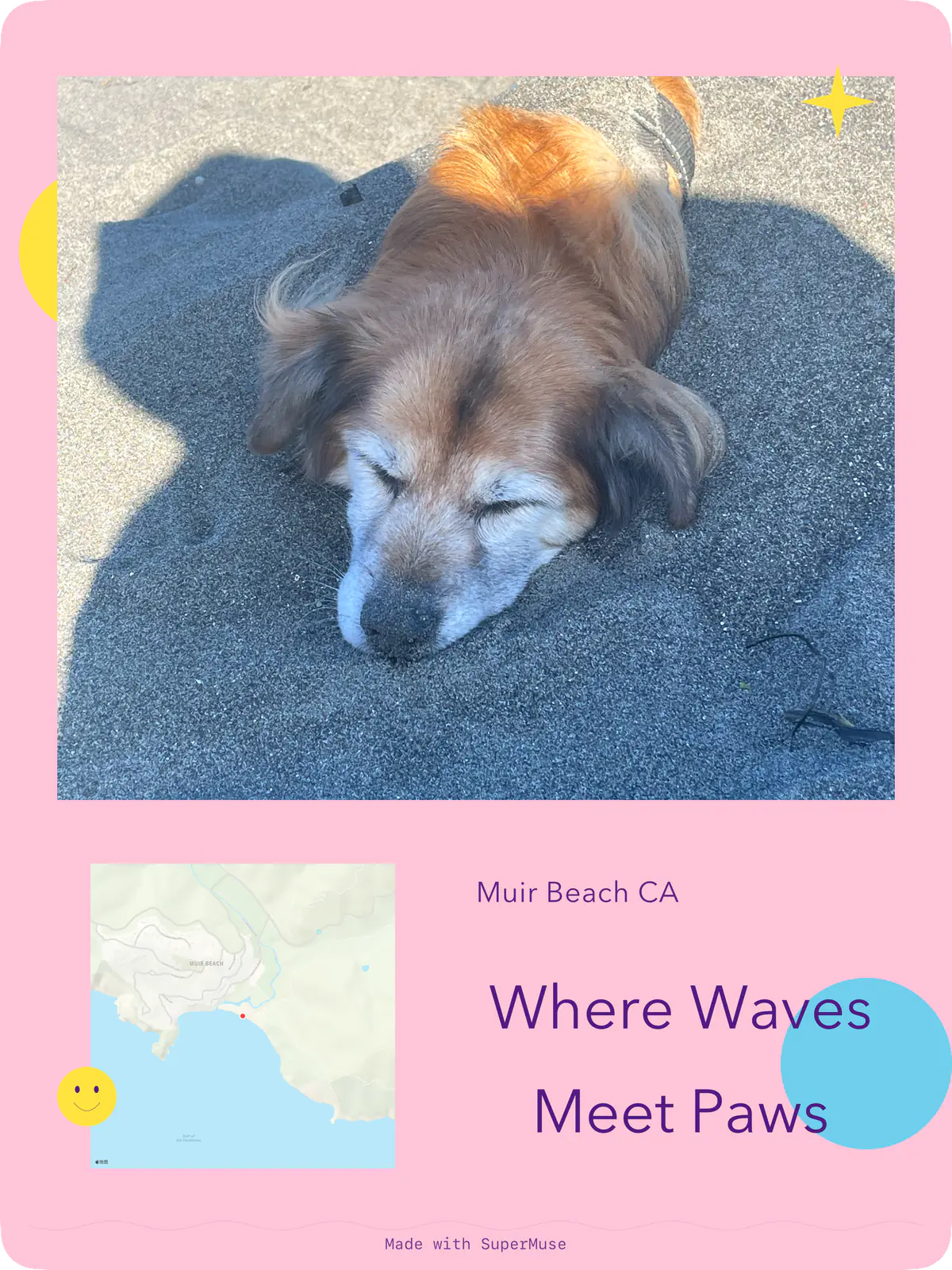
These nine cards were made with SuperMuse, pairing photos from travel and everyday life with dates, places, or a few words to remember them by. Swipe through the cards, or select one for a closer look.
I’ve got a few hundred half-finished ideas in my notes app.
I save passages from books and jot down product ideas when I’m out for a walk. There are story openings, coding problems I haven’t figured out yet, and photos from trips with a few words about the moment. When I save them, I usually think they might come in handy later.
But when I need something for a piece I’m writing or a question I’m trying to work through, I often can’t find it.
Sometimes I remember an argument from a book but can’t remember which book. I try a few searches and get nowhere. Other times I come across an old note and realize it’s relevant to something I’m thinking about now. I hadn’t seen the connection when I wrote it.
Connecting the dots
In his 2005 Stanford commencement address, Steve Jobs said:
“You can only connect them looking backwards.”
In that story about connecting the dots, he recalled how a calligraphy class he attended in college later influenced the typography of the Macintosh. He was talking about his life, but it makes me think about the things we jot down. Something we save without knowing what it’s for can turn out to be useful later.
Folders and tags help me organize things. They can’t tell me what a note might connect with in the future. I wanted to build SuperMuse to keep my reading notes, photos, and unfinished ideas in one place, so I could find what I needed when a question came up and keep thinking it through.
Some conversations might lead to an article. Others might add just a few sentences to a note. Being able to pick up an unfinished thought is useful in itself.
Capture the thought first
When an idea comes to me, I don’t usually have a title for it, let alone a folder in mind. If I have to organize it before I can save it, I might not bother. I should be able to say a few words, jot something down, or save a photo or link and leave it at that.
I also want to keep a little of what I was thinking at the time. Beside a quotation, I might write what I don’t understand. With a photo, I might add what it reminded me of. That gives me something to come back to, beyond the passage or image itself.
I can work out what it’s for later.
Bring your notes into the conversation
Sometimes I agree with an author; sometimes I think of a counterexample. I want a reader that lets me keep the passage and my questions together. If a concept isn’t clear, I can ask AI Muse for an example. Or I can explain my understanding and ask what I’m missing, then go back to the book with new questions.
Say I’m reading about negative space in design. It might remind me of a poster I photographed on a trip and a product decision I’m wrestling with: would adding more features actually help? I could bring that passage, the photo, and my own notes into a conversation with the Muse. Is leaving space on a poster really the same as leaving features out of a product?
Maybe I’ve been treating two different things as the same. If an explanation doesn’t hold up, I can go back to the passage, try another example, and revise my note.
I can do something similar when I’m stuck on a coding problem: bring in a technical article and talk through the tradeoffs between a few approaches. I still need to check facts and quotations, and see how the ideas hold up in practice.
That’s what AI-native means to me. AI is there as I read, take notes, and create, helping me ask questions and revise my thinking as I go. I don’t want to switch windows and explain everything from scratch whenever I get stuck. I want to keep going with the material in front of me and choose which of it to bring into the conversation.
Write down what you’ve worked out
Once I’ve worked out what I think, the Muse can help me turn my notes and examples into a draft. I can explain what first puzzled me, where I’ve landed, and what I’m still unsure about. I can ask it to point out what’s hard to follow. Then I can fill in the gaps and revise until the piece says what I mean.
For a product idea, that might mean talking through something I can try, making a first attempt, and bringing what I learn back into the next discussion.
Other things only need a photo and a few words. The nine cards above pair photos from travel and everyday life with a date, a place, or something I wanted to remember. Like my reading notes, they’re things I’d like to come back to.
Not every note needs to become a finished piece. Some are just for me. Others might find their way into an article much later.
I’m building SuperMuse because I want to be able to use what I’ve already saved. The next time a question comes up, I’d like to find that passage, revisit an old photo, or pick up a note I barely started.